|
Use the Display Text element to add text/instructions to your survey. |
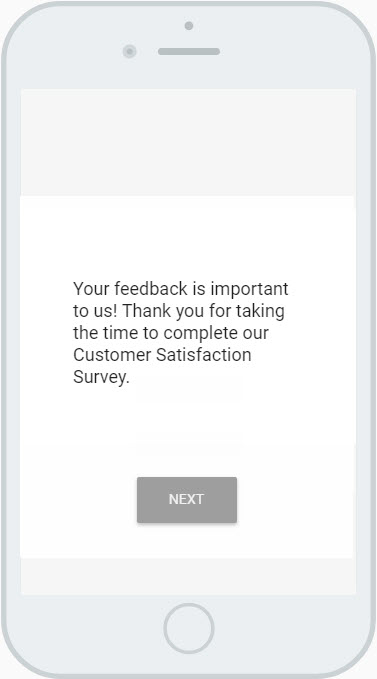
Example of a Display Text Element
Settings
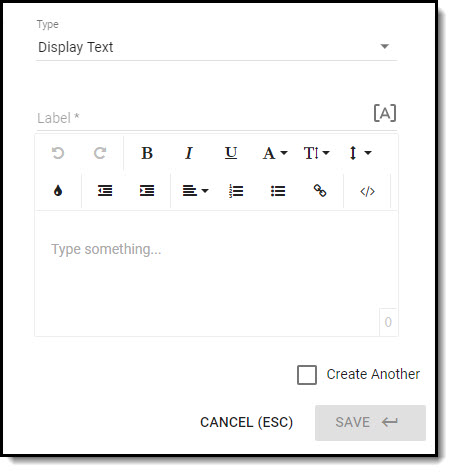
- Enter the element Label; this is a required field but it is not displayed to the respondent on the survey OR on the individual record in IQ.
- Although the [A] piped text feature is available, there is no practical application for it on this element type.
- Enter the text you would like to display on the survey in the text editor. Text can be formatted (bold, italic, etc.), and you can include links to a website also.
- Check the Create Another checkbox if you would like to add another element of this type after you save the one you are creating; it will be positioned immediately after the element you've just added.
Click on Save when you have configured the settings for the element.