Creating a survey to collect insights and feedback from your customers is a simple and easy task!
To create a new survey, navigate to IntouchSurvey.
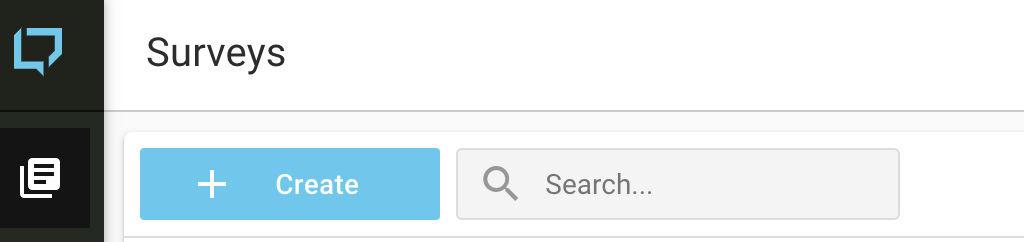
On the Surveys page, click on the '+ Create' button in the upper left-hand corner of the page.
To create a survey, you can:
- Select a template
- Start from Scratch
- Copy one of your organization's existing surveys
You will now be on the Template Library Page.
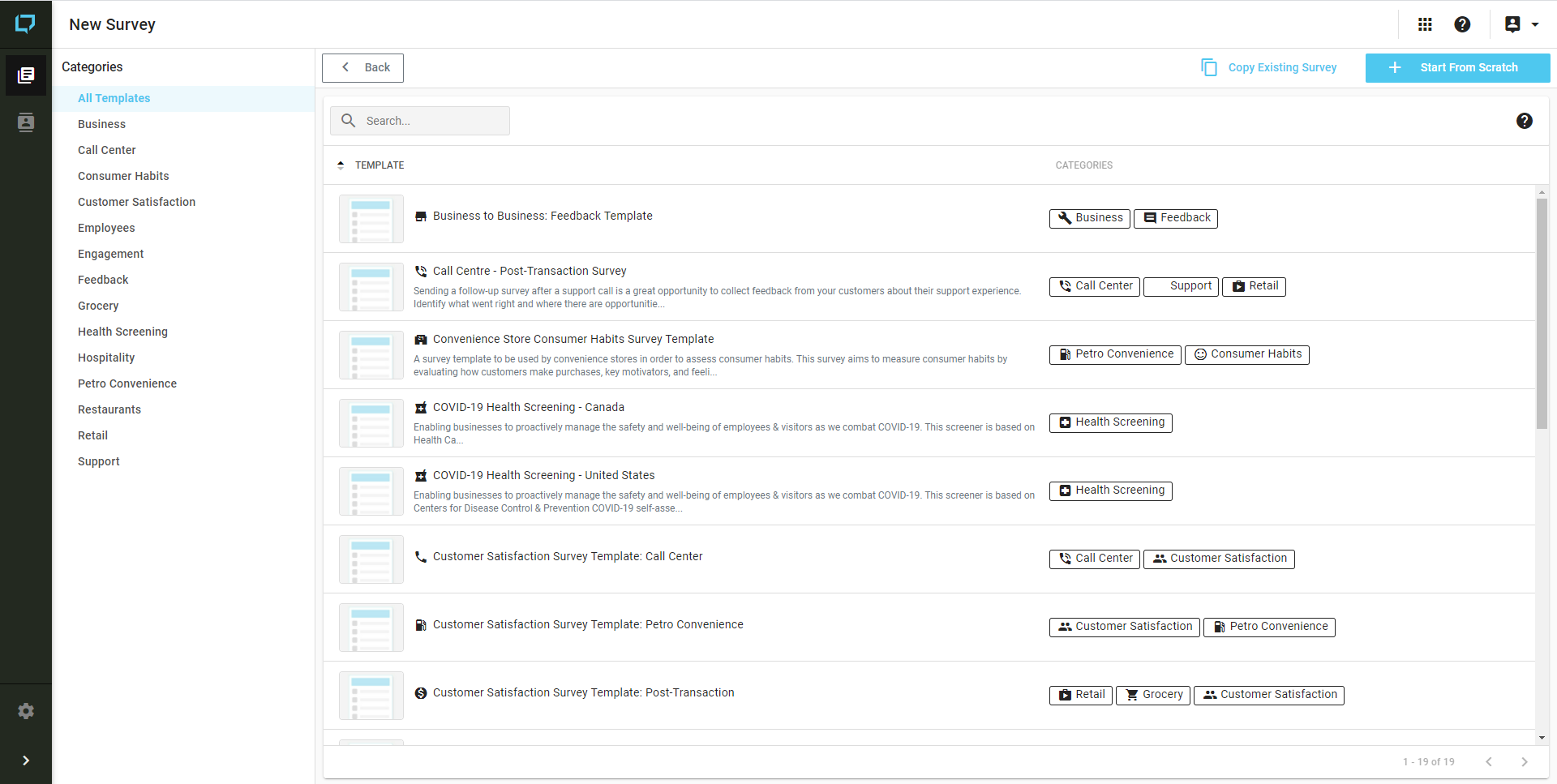
Create from Template:
1) Select the appropriate 'Category' (located on the left of the page) for your use case.
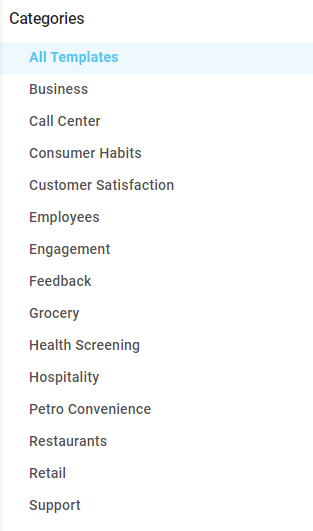
2) Select the appropriate template for your use case, and edit the Name for your survey (if desired).
3) Click Create, and you will be directed to your new survey for customization.
Alternatively, You are also provided with 2 other options:

Start From Scratch:
1) Click on the 'Start From Scratch' button.

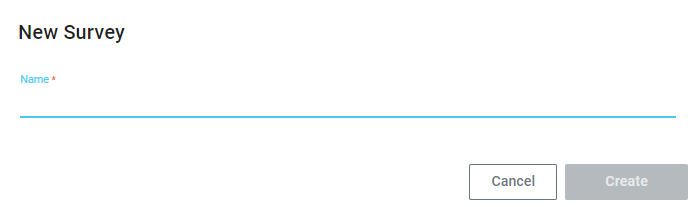
2) Enter the name of your new survey, and then click on Save. You will immediately be redirected to the survey Details user interface, where you can add sections and questions to your survey form.
Copy Existing Survey:
1) Click on the 'Copy Existing Survey' button.

2) Enter in a name for your new survey.
3) From 'Select Survey to Copy', select the existing survey that you would like copied for your use case.
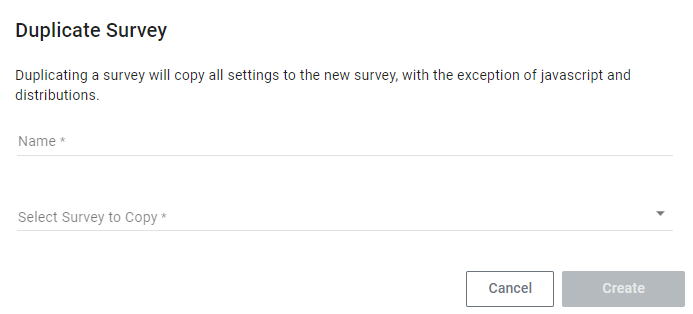
4) Click Create, and you will be directed to your new survey for customization.