 |
With the Group display element, you can nest a series of questions under a single heading, within a section. Element types that can be added to a group are: Audio Input, Calendar, CAPTCHA, Checkboxes, Display Text, Dropdown, Image Upload, Location, Multiple Choice, Ranking, Rating, Text Area, Text Input, and Video Input. You cannot add these elements to a group: Graphic, Matrix, Group, NPS®, Slider, Video. |

Example of Grouped Elements
Settings
- Enter the element Name; this is displayed to the respondent on the survey.
- [A] Use piped text to insert custom/dynamic content into a question label.
- Insert help text, which is displayed below the group label, and can be used to provide additional instructions or clarification.
- If Required, Add JavaScript to trigger a behavior or validation on the form, based on certain events tied to the survey or a question.
Click on Save when you have configured the settings for the element.

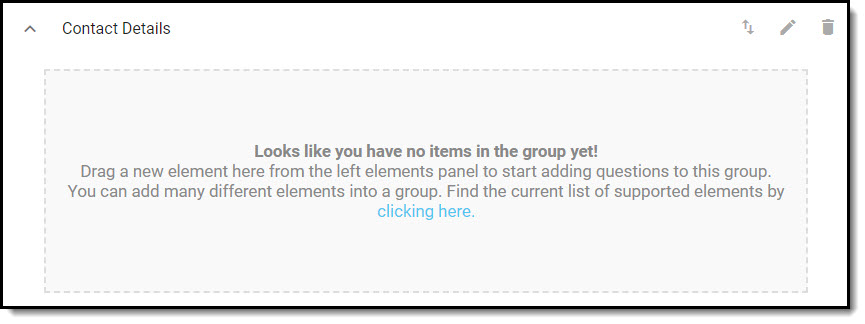
After your group has been added, drag elements from the elements panel to add questions to the group.
When elements are added to a group, the question labels are hidden. Respondents will see placeholder text and custom help text.