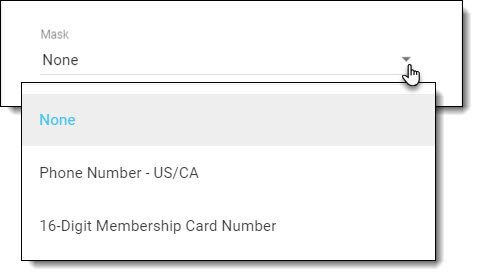
Text Input elements on a survey can be configured to display a mask for:
- A 10-digit phone number. I.e. (###)###-####
- A 16-digit membership number. I.e. (#### #### #### ####)
When a mask is used, respondents can see the expected format as soon as they click/tap on the field and then simply have to type in the numeric values. They are not required to enter spaces, dashes, etc.
In the element settings, select the applicable mask for your question.
Some restrictions apply if you are using validations for a 16-digit membership number. For more information review this article.
