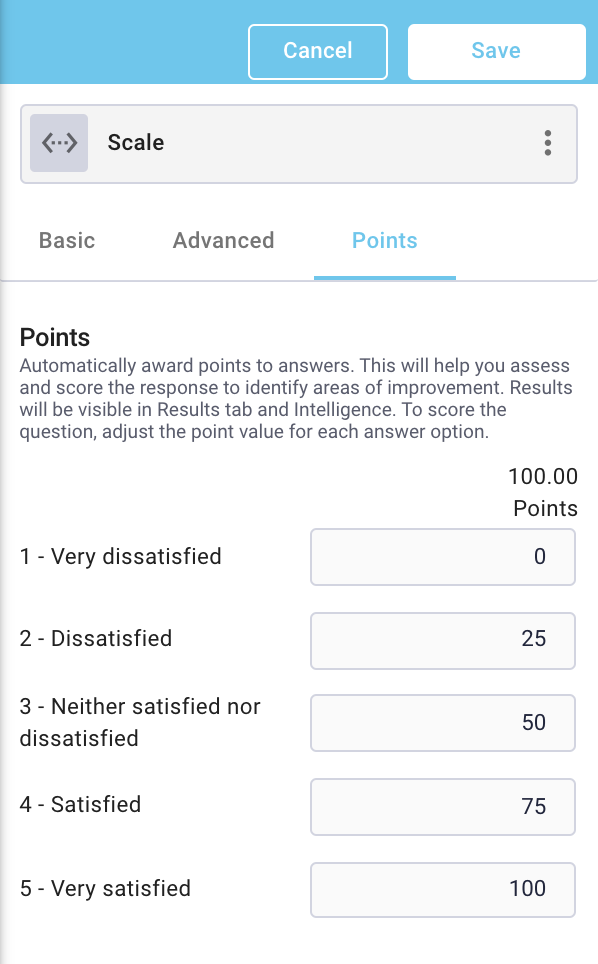
When creating or editing an applicable question, navigate to the Points tab. Set a point value for each response (Dropdown, Multiple Choice, Matrix, Scale):
or a multiplier (Rating, NPS, Slider):

To see the accumulated point total for each section as well as the entire form, or to make updates to multiple questions, navigate to the survey settings, and select 'Points' within the scoring menu.
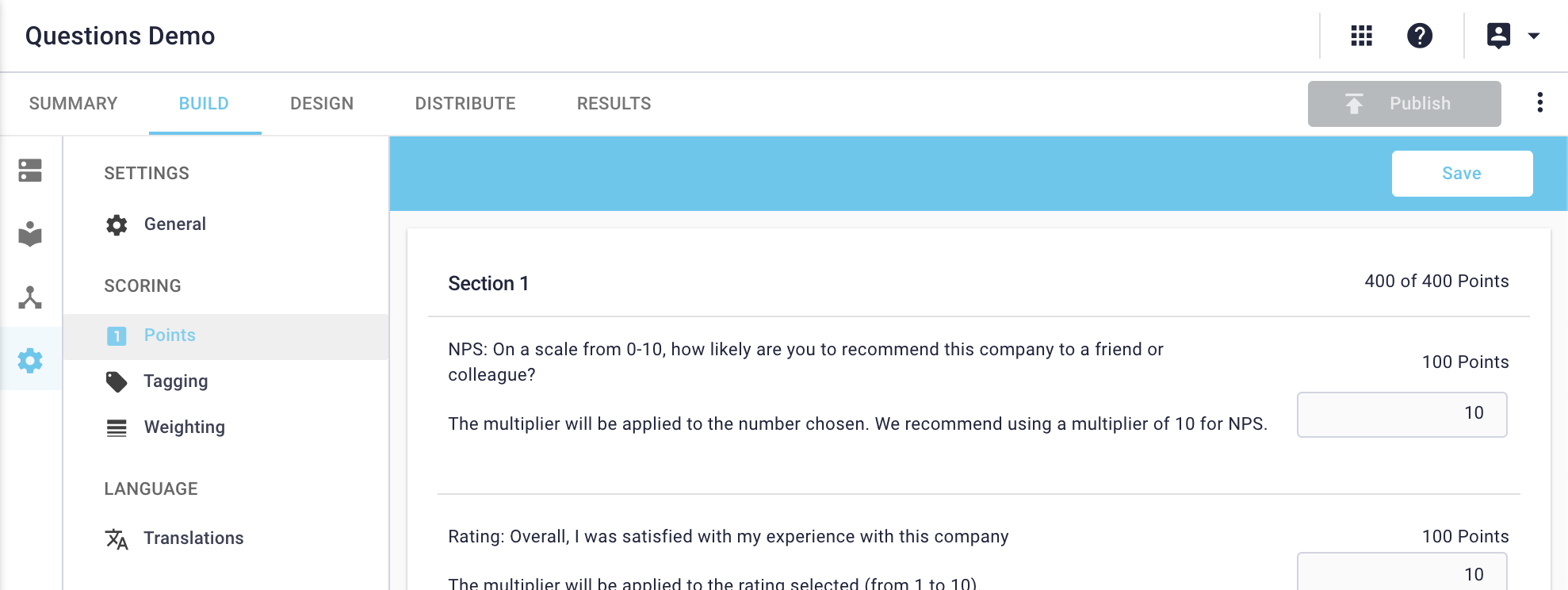
Click on Save after you've added point values to your questions. If you navigate away from the Scoring page without saving, your changes will be lost.