After you've finished configuring your entire form, including logic, scoring, theme, etc., and are ready to distribute your survey, navigate to the Distributions tab in the survey set up interface.

 |
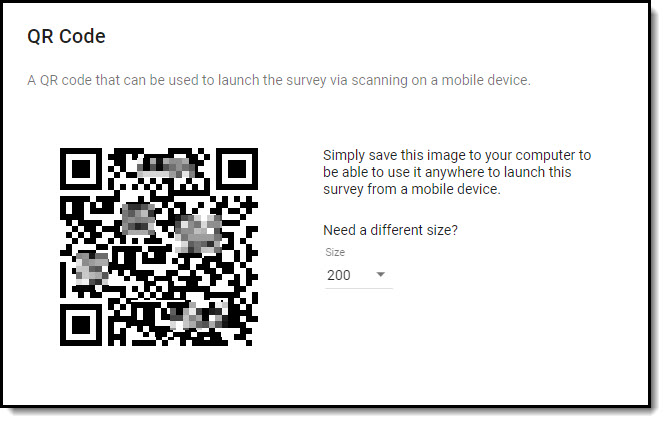
If you would like to distribute your survey using a QR code, download the unique image that can be used to launch the survey via scanning on a mobile device. |
- The QR code is unique to your survey and can be included on posters and other marketing materials, receipts, a website, etc.
- The image is available in various sizes, ranging from 150 x 150 pixels to 500 x 500 pixels.
- Right-click on the QR code to save or copy the image.
You can distribute the same survey using multiple methods. Other options include:
 |
Easily link to the most recently published version of your survey by pasting the unique URL into emails or referencing it on your website, or create a link to share the survey with a specific contact. |
 |
Get a reusable code that can be referenced on your website and will redirect to the most recently published version of your survey. |
 |
Easily share your survey on one or more of your organization's social media accounts. |
 |
Compose the emails that will be used to distribute surveys - automatically or on-demand - to the contacts that have been added in the Contact Center. |