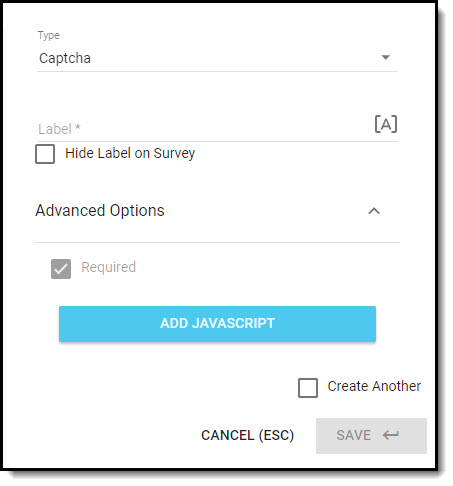
|
A CAPTCHA element is a type of challenge–response test used in surveys to distinguish human from machine input. |

Example of a CAPTCHA Element
Settings
- Enter the element Label; this is displayed to the respondent on the survey unless you check the Hide Label on Survey setting.
- [A] Use piped text to insert custom/dynamic content into a question label.
- In the Advanced Options, you can:
- The Required setting can not be disabled for this element type.
- Add JavaScript to trigger a behavior or validation on the form, based on certain events tied to the survey or a question.
- Check the Create Another checkbox if you would like to add another element of this type after you save the one you are creating; it will be positioned immediately after the element you've just added.
Click on Save when you have configured the settings for the element.