|
The Location element provides respondents with a list of all your locations, so that they can identify and choose the location they visited. The survey results will then be associated with that location in the reports. |
Only locations that have been added to your organization's hierarchy will appear in the Location element drop down. For information on how to create your hierarchy, click here.
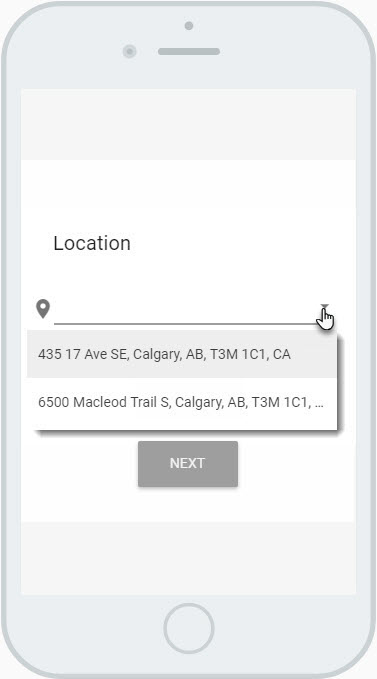
Example of a Location Element
Settings
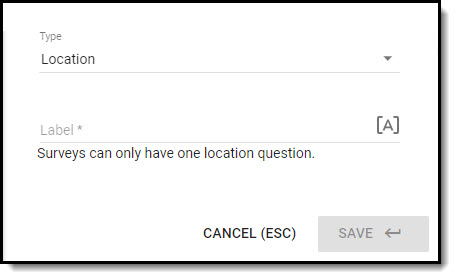
- Enter the element Label; this is displayed to the respondent on the survey.
- [A] Use piped text to insert custom/dynamic content into a question label.
Click on Save when you have configured the settings for the element.